

Assemblies
Spot component shortages before work begins. Reserve parts for each job without taking them off the shelf.
Free plan with 2 users, 100 products and 1 location. No credit card, no time limit.

Why it matters
Spot shortages before work starts
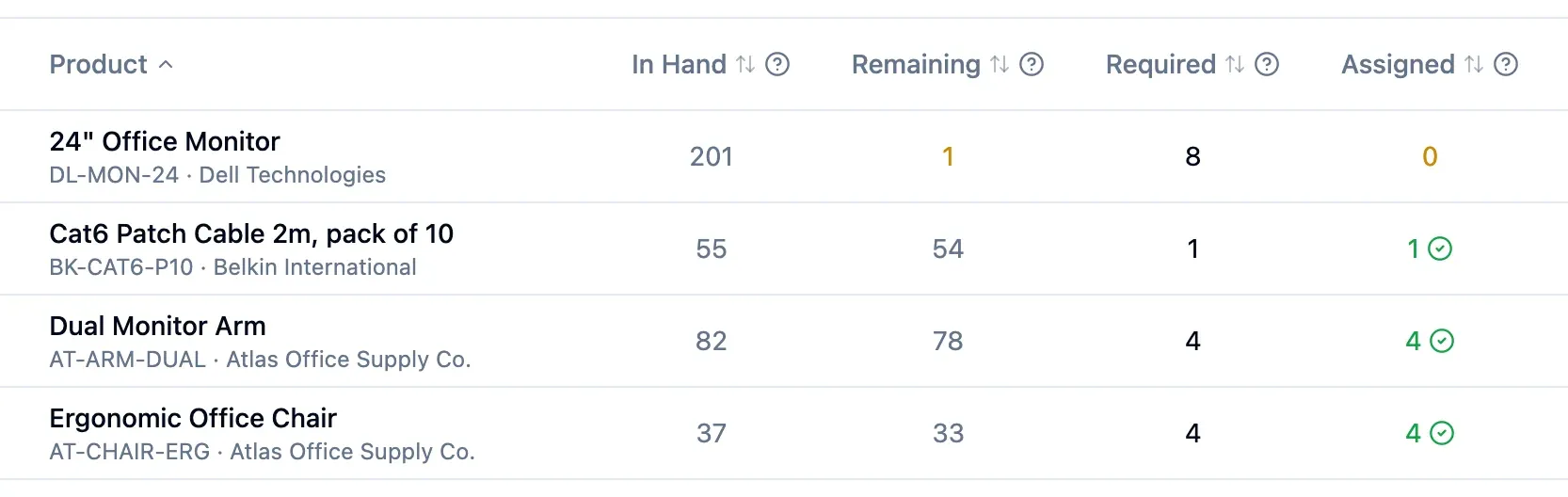
See what remains of each component after all open jobs, with any shortfall shown in red.
Know the finished product's cost
Value the finished product using component costs plus labour, overheads and other costs.
Avoid partial stock movements
If one component is short, completion records no stock movements.
How it works
Each job keeps its own component list and costs, and stock changes only on the day you complete it.
Step 1 of 4
Plan the job
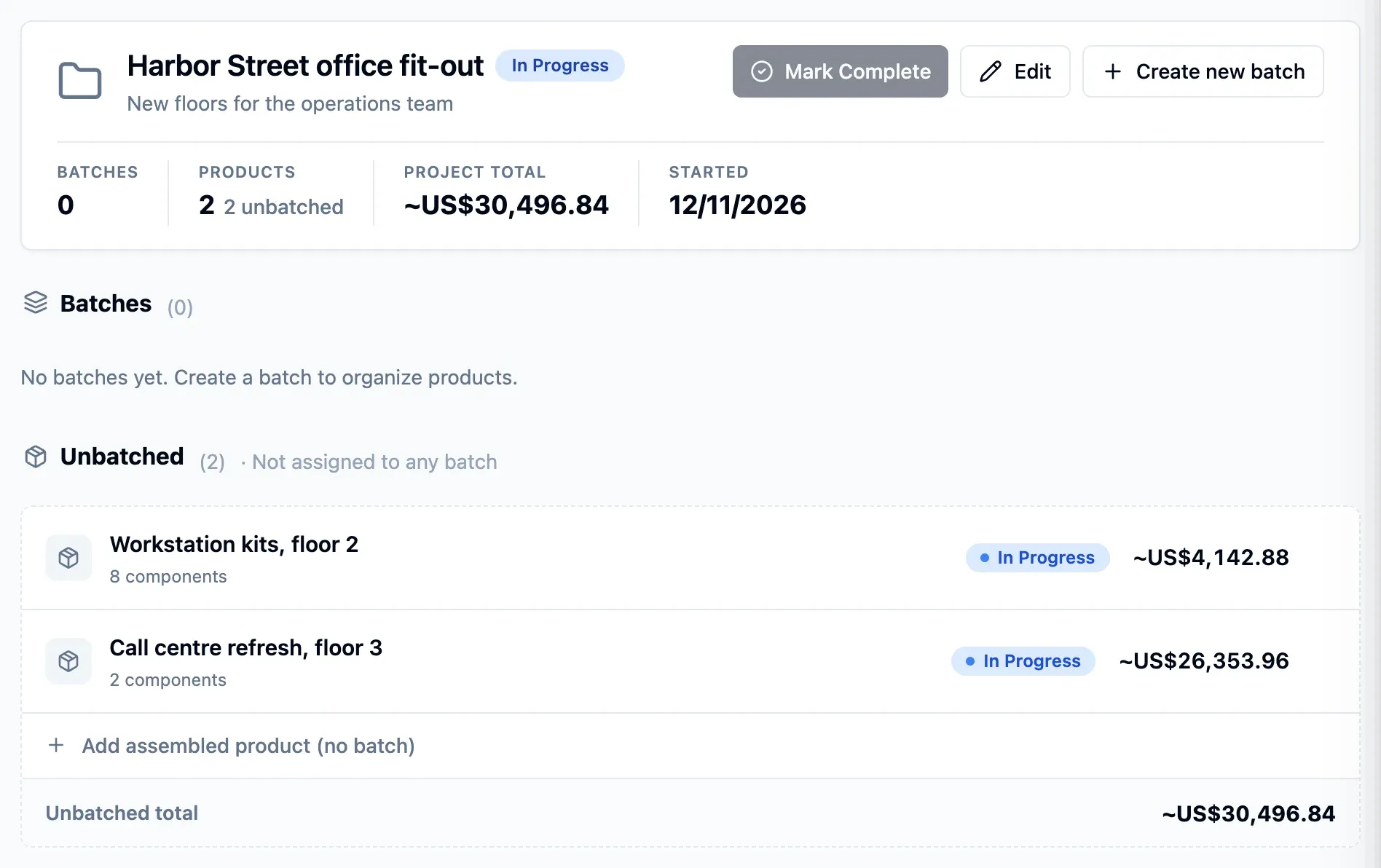
Build a component list from your products or use a reusable template. Give each job a deadline, and group jobs into projects and batches.
- Save a job's list as a new template
- Component groups with cost subtotals
- View components by supplier
Step 2 of 4
Reserve components
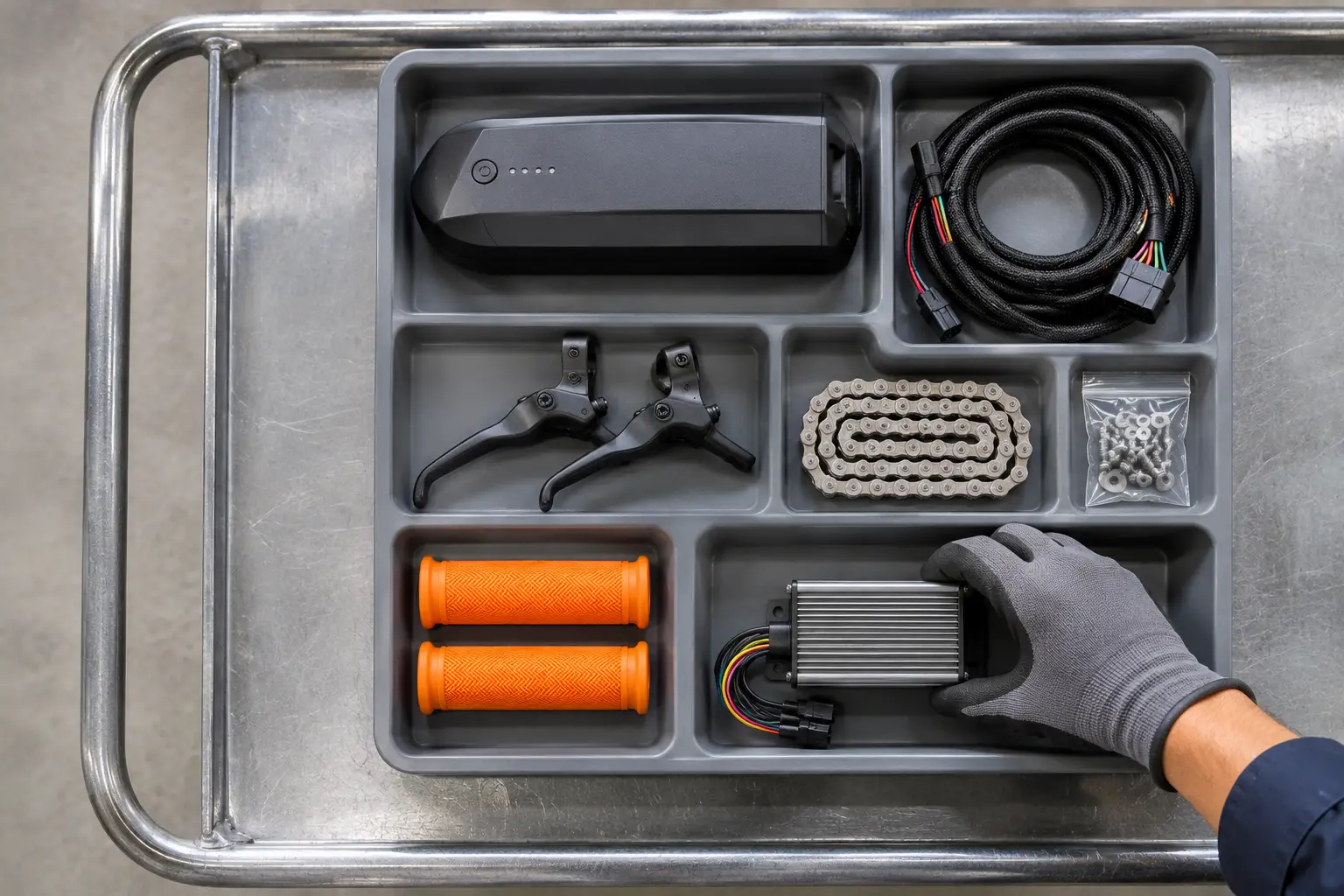
Reserve the components without removing them from the shelf. Any shortfall after all open jobs appears in red.
- Shelf stock stays unchanged until completion
- Reserved parts separate from available stock
- Shortfalls reflect every open job
Step 3 of 4
Add labour and costs
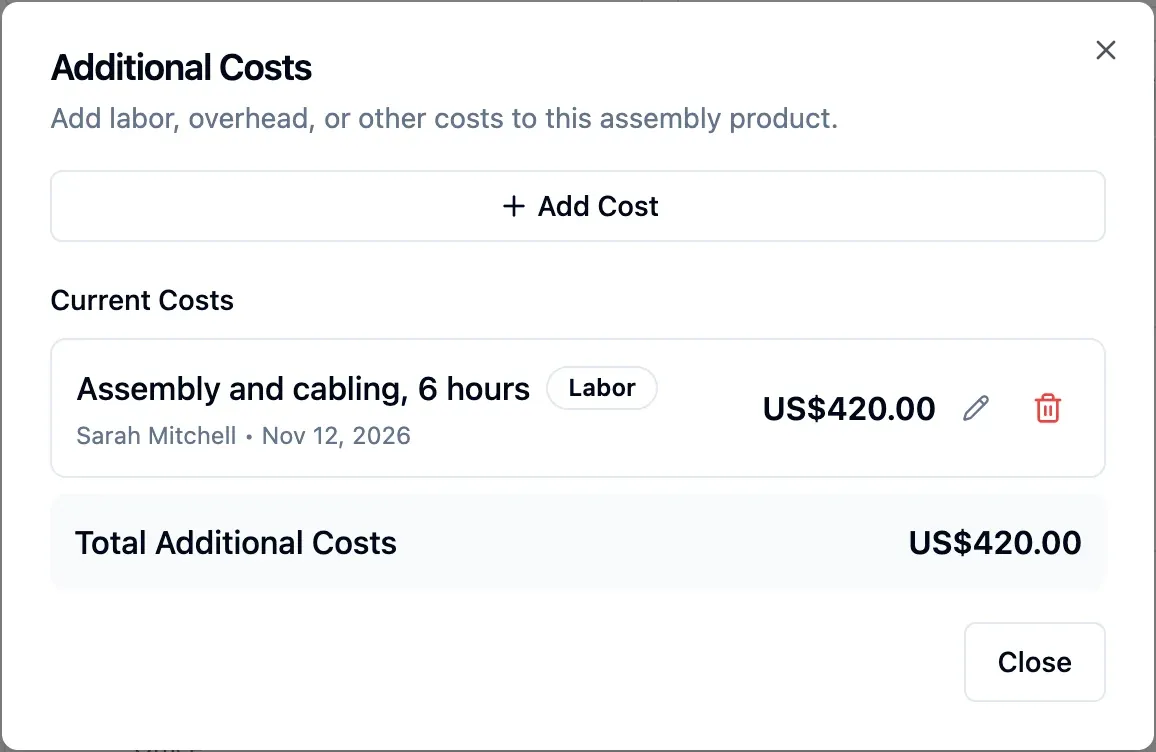
Record labour, overheads, freight or any other cost. Until completion, the job cost is an estimate based on current unit costs.
- Component costs follow your valuation method
- Freight can enter the finished cost
- Full cost set at completion

Step 4 of 4
Complete the job
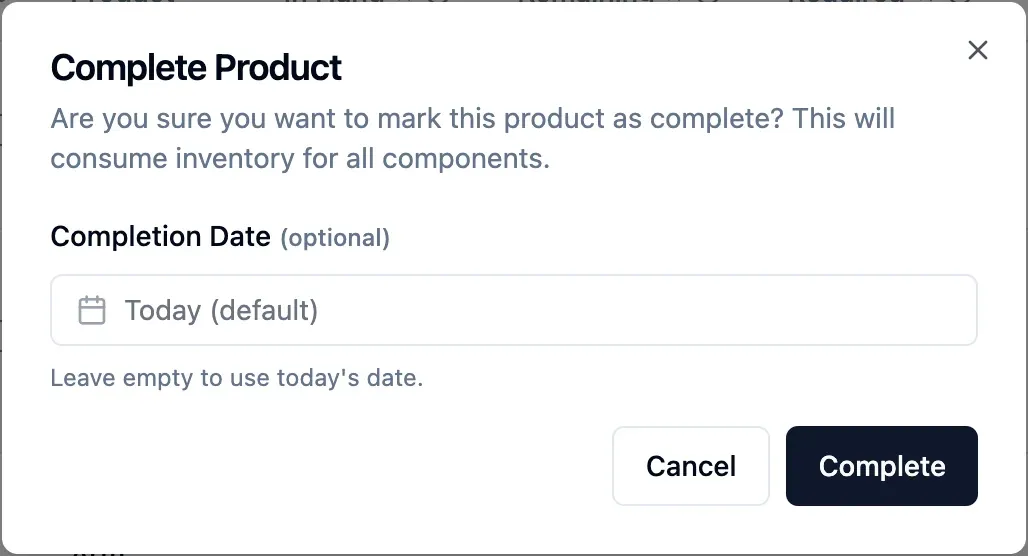
Choose today or a past date. All components leave stock together, and you can bring one finished unit into a chosen warehouse at full cost.
- A short component blocks every movement
- Components leave the fullest location first
- Reopening reverses movements and keeps parts reserved
In detail
Reserved parts
Keep components on the shelf while reserving them for a job, separate from available stock.
Component groups
Split long lists into groups with a cost subtotal each, or view them by supplier.
Reopen a completed job
Reopen a completed job to reverse its stock movements. Its components stay reserved, ready to complete it again.
Automatic location choice
Components leave from the location holding the most, then the next.
Counted for reordering
Components used in jobs count as usage when reorder points are calculated.
Separate permissions
Decide who can view assemblies and who can manage them.
- Start free
Try it free
Free plan with 2 users, 100 products and 1 location. No credit card, no time limit.
Common questions
Another question?
Write to us from the contact page, or search the guides.
When do components leave stock?
Components leave stock on the completion date. Until then, they stay on the shelf, reserved for the job.
How is the finished product valued?
Its value includes component costs under your valuation method, plus labour, overheads and other costs you add. Before completion, the job cost is an estimate based on current unit costs.
Does the finished product always go into stock?
No. Choose whether to bring one finished unit into a warehouse when you complete the job; it enters at full cost.
What if a component is short at completion?
Completion is blocked, and you see which component is short and by how much. No stock movement is recorded.
Try it free
No credit card or time limit. Upgrade when you need more capacity.